
Who should choose StaffTiva in this comparison
- A small to mid-size healthcare agency seeking connected CRM/ATS, job orders and placement margin with published agency pricing.
- A travel, allied or locums desk retaining its own payroll, accounting and screening providers and accepting a manual CSV handoff.
- A per diem agency dispatching by phone or its own texting tools and logging assignments afterward. If clinician self-booking, integrated screening or automated payroll is mandatory, evaluate the relevant Bullhorn, Crelate or JobDiva package instead.
01
Separate agency software from hospital workforce tools
This guide is for agencies placing clinicians with client facilities. It does not compare hospital employee scheduling systems, patient systems or vendor management platforms. Start by defining your staffing mix—travel nursing, per diem, allied health or locums—and whether you need front-office recruiting alone or a broader scheduling and pay stack.
StaffTiva connects CRM, job orders, candidates, pipelines, recorded credentials, placements and approved weekly timesheets. Bullhorn, Crelate and JobDiva each publish healthcare-related product capabilities. A fair shortlist acknowledges that scope and tests the proposed product package rather than scoring competitors on assumptions.
02
Compare clinical records and the recruiting handoff
Bullhorn describes dedicated healthcare workflows and credentialing. Crelate describes state-specific licenses, certification expiry tracking, recurring checklists and deployment visibility. JobDiva describes credential management, compact-license provisions and a Healthcare Wallet. StaffTiva uses agency candidate records, expiry flags and job-required credential checks.
Ask every vendor to show the same scenario: a clinician with an upcoming expiry, a job with facility-specific requirements and a future assignment start. Confirm who verifies the underlying license, who owns the document and what happens when a requirement is missing. Recorded compliance status alone is not primary-source verification.
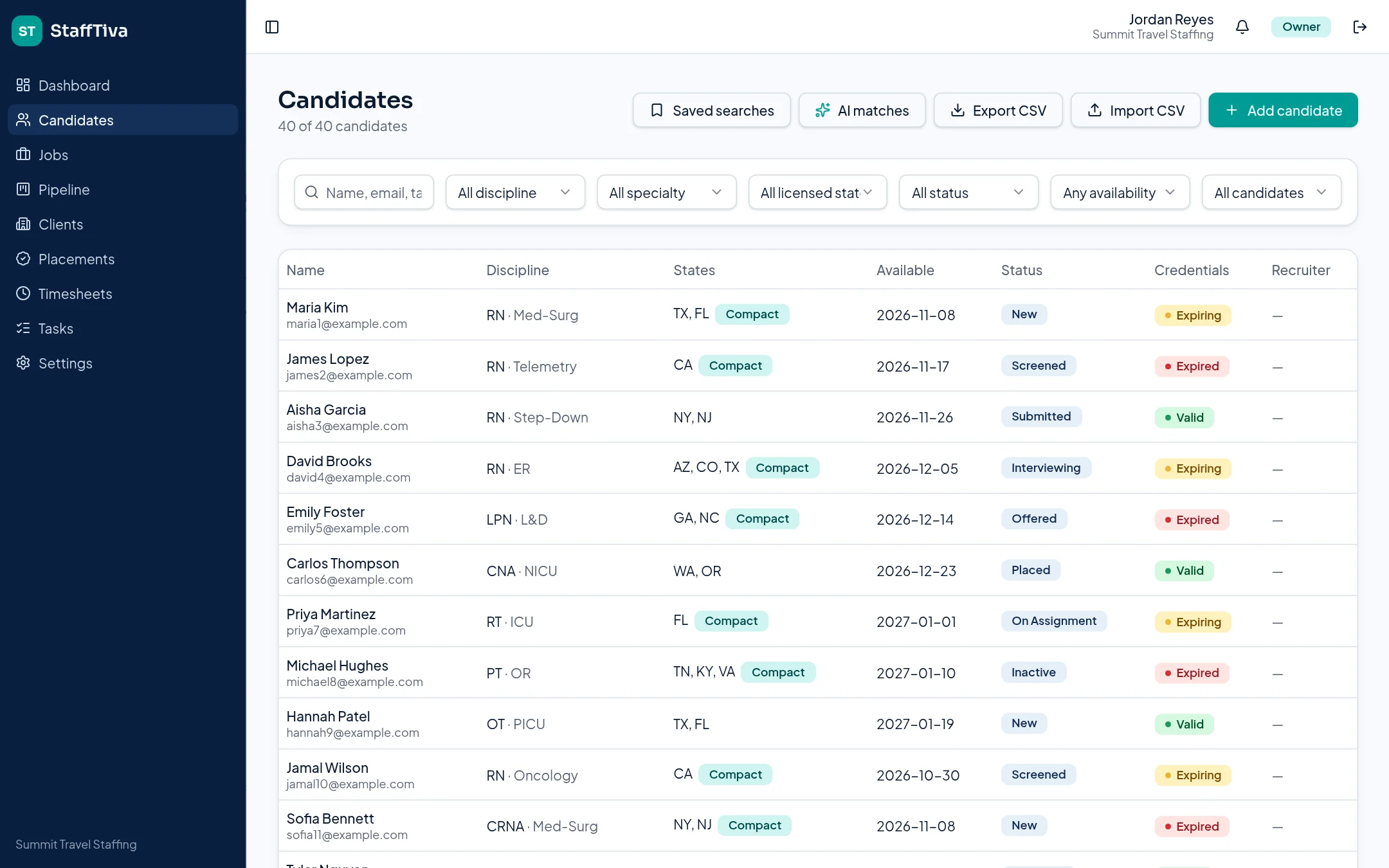
StaffTiva candidate records illustrate how clinical information and credential attention stay together. StaffTiva demo agency.
03
Test scheduling, rates and financial scope separately
JobDiva describes a Shift Marketplace and scheduling/matching, while Bullhorn describes provider access, shift matching and time/pay capabilities. Confirm the proposed package and required integrations. StaffTiva’s current job/placement records and weekly timesheets do not provide real-time self-booking or payroll.
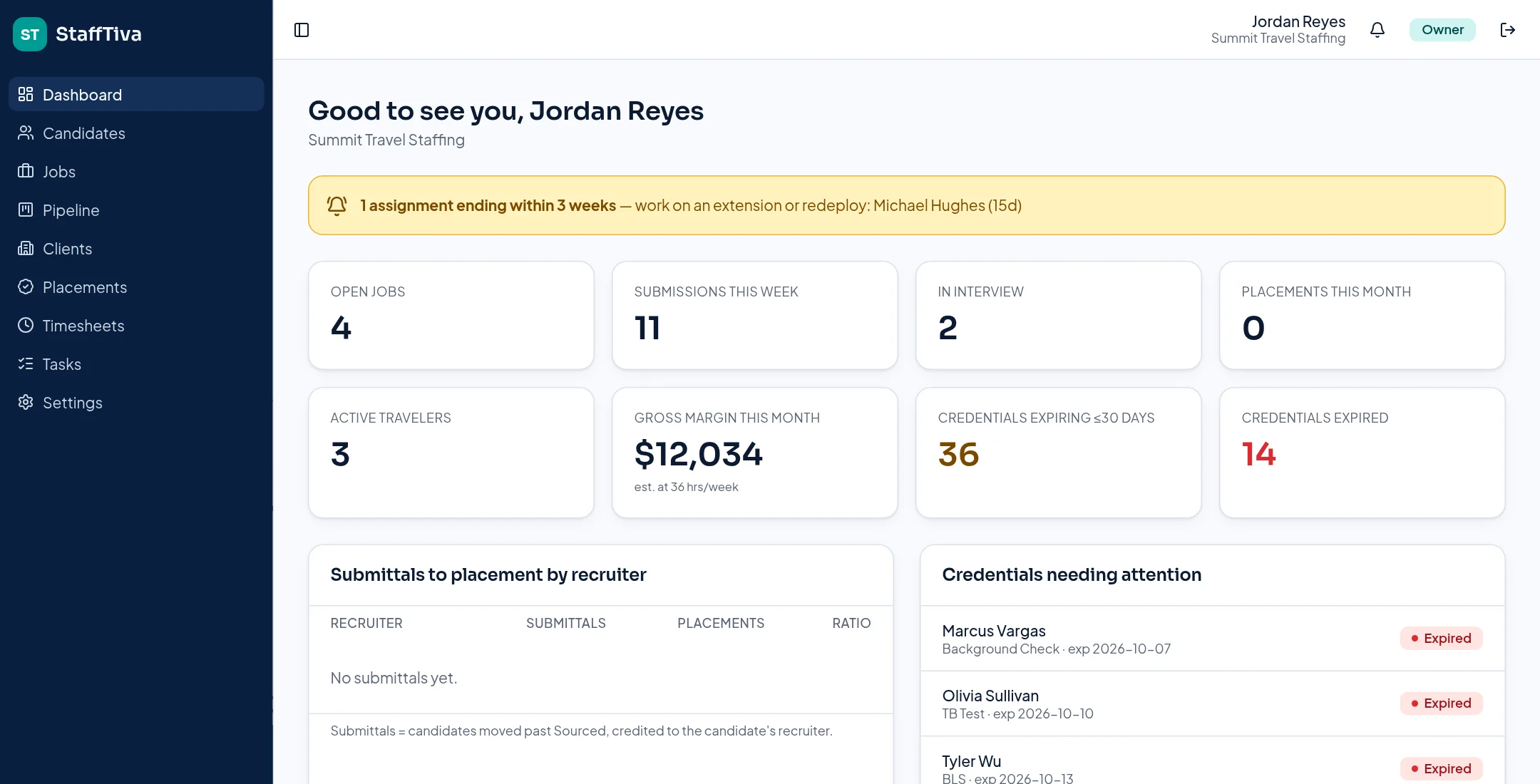
For each platform, demonstrate a rate change and explain how actual hours, reimbursements and other costs enter the financial process. StaffTiva calculates hourly bill-minus-pay margin; monthly dashboard dollars are estimates at 36 hours per week. Do not compare that estimate with another product’s payroll actuals as though they were the same measure.
04
Use a repeatable buying checklist
Request a scoped proposal covering seats, required features, integrations, onboarding, support and migration. StaffTiva’s current public prices are linked below; competitor pricing should come from current vendor proposals rather than invented numbers in a comparison table.
Give your recruiters, account manager and credential reviewer the same sample workflow. Validate exports, field mapping and private-document access before a decision. This guide is written by StaffTiva using official competitor product descriptions. It is not independent testing, a guarantee of current package availability or a ranking of the “best” product.
Payroll & accounting: what you can export
Keep your payroll and accounting provider. StaffTiva supplies generic CSV files, not QuickBooks, ADP, Gusto or other provider-ready formats. Your team maps the fields, checks worker identities, reconciles hours and rates, and confirms your provider can accept the data.
- Timesheets CSV: candidate, client, job, week start, regular hours, overtime hours, status and notes. Select Approved before exporting approved hours. No pay rates or worker payroll IDs are included.
- Placements CSV: candidate, client, job, start/end dates, bill rate, pay rate, margin per hour, extension status and extension count. Match this separately to the timesheet export; there is no automatic payroll join.
- Not supported: payroll calculation, tax withholding, client invoices, accounting-ledger exports or direct accounting/payroll sync.
Review integrations and gaps, security evidence and the migration checklist before deciding. Verify any required screening, e-signature or scheduling connection independently.
At-a-glance comparison
| Platform | Officially described scope | What to validate |
|---|---|---|
| StaffTiva | Healthcare agency CRM/ATS, recorded credentials, placements and timesheets | Fit with your hours, payroll and scheduling needs |
| Bullhorn | Healthcare workflows, credentialing, provider access and time/pay capabilities | Package, integration and implementation scope |
| Crelate | Clinical sourcing, license/expiry tracking, recurring checklists and deployment visibility | Sourcing package and recurring compliance workflow |
| JobDiva | Healthcare Wallet, credential workflows, shift marketplace and scheduling | Scheduling, onboarding and back-office package |
Sources & review scope
This StaffTiva-authored guide uses official vendor descriptions, not independent product testing. Packages and capabilities may change; confirm them with each vendor. Table summaries use the sources below.
Questions & answers
Which healthcare staffing system is best?
There is no established universal winner. Choose around your specialty mix, required scheduling/payroll workflows, credential process, team size and tested migration needs.
Are the competitor capabilities independently tested?
No. This vendor-authored guide summarizes official product descriptions. Confirm the current package and demonstrate required workflows with each vendor.
How should we compare prices?
Compare a current, scoped proposal for each vendor, including seats, required features, integrations and migration—not just a starting subscription price.