
01
Distinguish an application from a facility submission
A new applicant is an incoming lead, not a client-approved clinician. StaffTiva’s agency job board accepts quick applications into the candidate database. Recruiters review professional fit, availability and credentials before deciding whether to submit the candidate to a facility.
Keep the source application and the job-specific submission conceptually separate. A clinician may be relevant to several opportunities, while each facility needs its own decision history. This prevents a general candidate label from standing in for the status of every active job conversation.
02
Use a pipeline that reflects agency recruiting
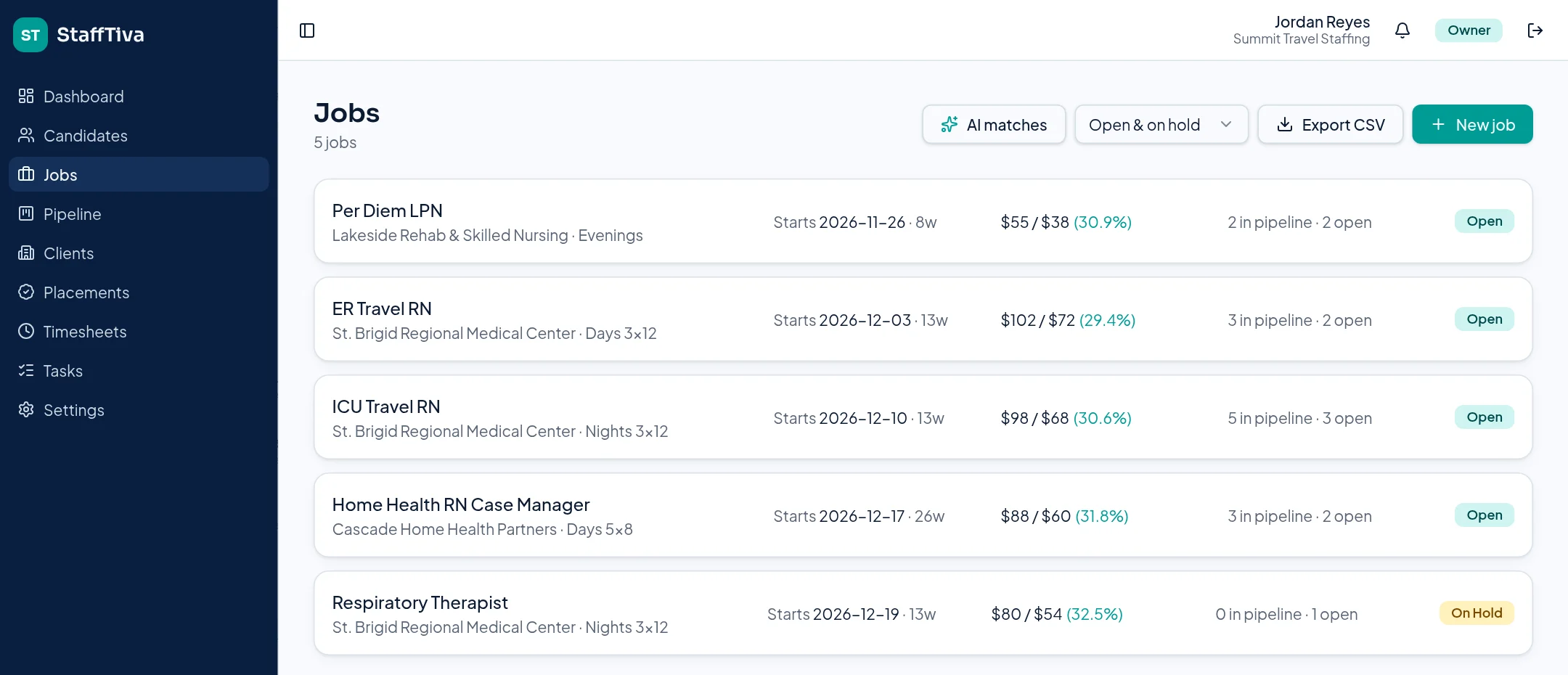
The job pipeline runs through Sourced, Submitted, Client Review, Interview, Offer and Placed. Moving a candidate between stages makes the current handoff visible to the desk. Linked tasks support the next follow-up, while the job retains its dates, openings, rates and required credentials.
The stage is a record of recruiting progress, not a clinical clearance decision. Someone in Offer may still need a license renewal or a facility document. Review those requirements before treating the accepted offer as an assignment ready to start.
03
Check the clinical file before the submittal
StaffTiva compares job-required credential types with recorded candidate credentials and highlights gaps or expiry issues. Candidate profiles keep licensed states, specialty, experience and supporting files in the same place. Client-ready PDFs exclude candidate phone, email and internal notes.
The checklist and PDF help organize a professional submission; they do not verify licensing-board status or replace a client’s credentialing process. Your recruiter and compliance team remain responsible for the accuracy of the file and for confirming the clinician meets the role’s requirements.
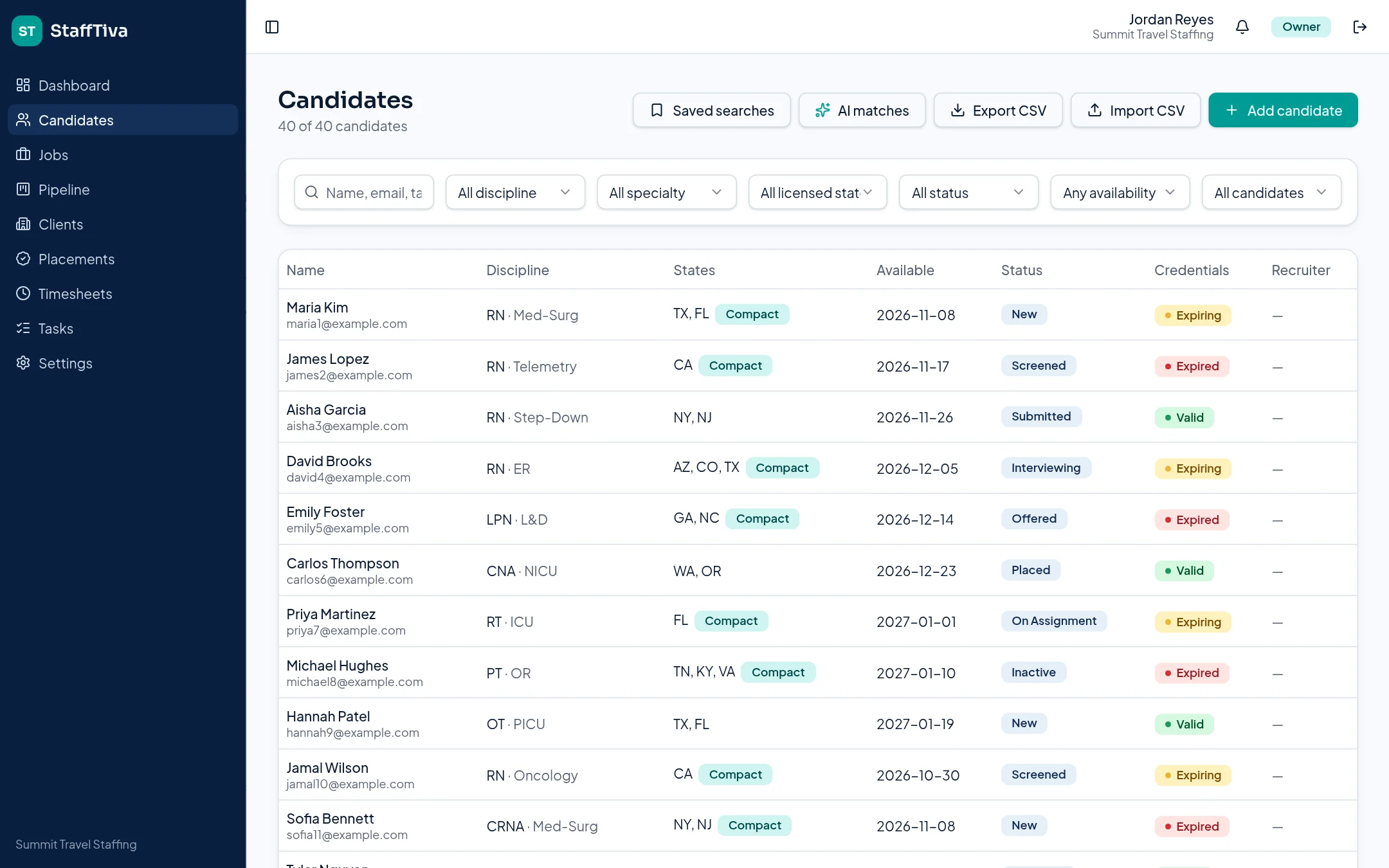
Candidate records bring professional fit and credential status into the application review. StaffTiva demo agency.
04
Connect the placement back to recruiting outcomes
When the work reaches a placement, track its rates and assignment dates instead of losing the operational handoff at the final ATS stage. Dashboard submission-to-placement ratios show recruiter outcomes, while extension reminders support the next conversation after the initial placement.
Use the ratio with context. Different specialties, client response times and candidate availability can affect conversion. The connected records make it possible to review those circumstances rather than assuming that the highest submission count means the strongest recruiting result.
Questions & answers
Which recruiting stages are available?
The pipeline stages are Sourced, Submitted, Client Review, Interview, Offer and Placed.
Do public job applications enter our agency database?
Yes. Quick applications through your agency job board create candidate records for your agency to review.
Does the ATS automatically clear a clinician for work?
No. Stage changes and credential flags organize the workflow. Your agency and the facility must complete verification and clearance.